ChatGPT Alternatives for Work in 2026 (Compared)
Looking for ChatGPT alternatives for professional work? We compare Claude, Perplexity, Gemini, Copilot, and Poe—who they're for, who they're not, and when to switch.
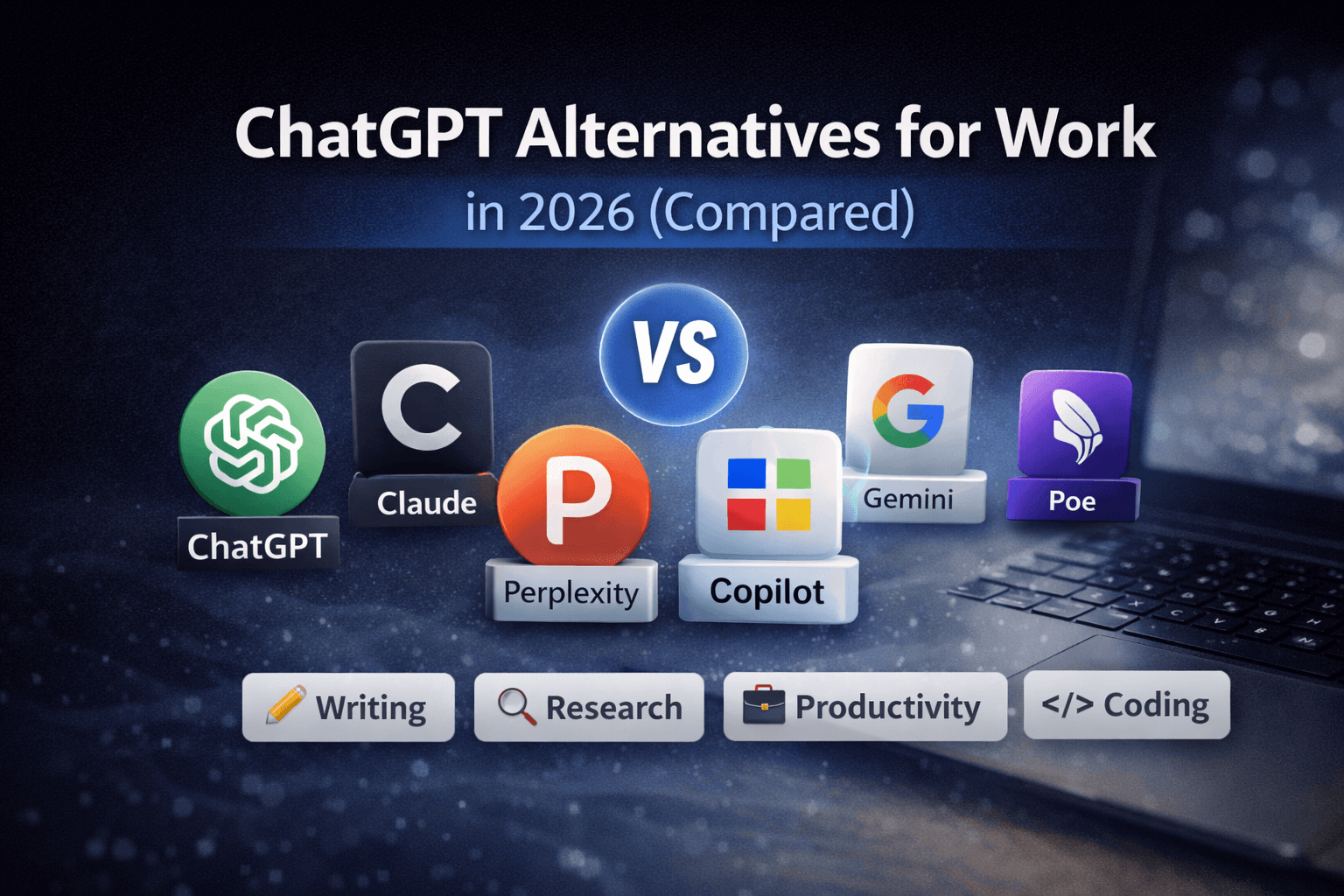
ChatGPT is powerful, but it's not always the best tool for professional work. Depending on what you do—writing, research, coding, or business—there may be better options. This guide compares the best ChatGPT alternatives for work in 2026.
Quick Verdict
If you want the best writing quality: Claude
If you want research + sources: Perplexity
If you want Google integration: Gemini
If you want Microsoft + Office: Copilot
If you want one interface for many models: Poe
What Is ChatGPT?
ChatGPT is OpenAI's conversational AI assistant. It can answer questions, write content, help with coding, and assist with various tasks. It's versatile and widely used, but it has limitations for professional work.
Why People Look for ChatGPT Alternatives
Common reasons professionals search for ChatGPT alternatives include:
- Output quality varies - Responses can be inconsistent, especially for longer content
- Hallucinations - ChatGPT sometimes makes up facts or cites non-existent sources
- No real sources - Can't verify where information comes from
- Weak long-form structure - Struggles with maintaining coherence in longer documents
- Pricing limits - Free tier has restrictions; paid plans can be expensive for teams
- Privacy concerns for work - Data handling policies may not meet enterprise requirements
- Limited integrations - Doesn't connect deeply with work tools like Google Workspace or Microsoft Office
Best ChatGPT Alternatives for Work (Compared)
1. Claude
Best for: Writing, reasoning, long documents, analysis
Not ideal for: Real-time web research, coding assistance
Claude is Anthropic's AI assistant, designed with a focus on helpfulness, harmlessness, and honesty. It excels at writing, analysis, and handling long documents.
Pros:
- Superior writing quality and coherence
- Excellent at long-form content (handles 200K+ token contexts)
- Strong reasoning and analysis capabilities
- More reliable fact-checking than ChatGPT
- Better at following complex instructions
- Good for document analysis and summarization
Cons:
- No real-time web search (in most versions)
- Less versatile for coding tasks
- Smaller ecosystem than ChatGPT
- Limited integrations compared to Google/Microsoft options
When to choose Claude: You need high-quality writing, work with long documents, or require careful analysis and reasoning. It's particularly strong for content creation, research synthesis, and professional writing tasks.
2. Perplexity
Best for: Research, answers with sources, fact-checking
Not ideal for: Creative writing, long-form content generation
Perplexity combines AI responses with real-time web search and source citations. It's designed for research and getting accurate, sourced answers.
Pros:
- Real-time web search with sources
- Citations for every claim
- Up-to-date information
- Good for research and fact-checking
- Free tier available
- Clean, focused interface
Cons:
- Less creative than ChatGPT or Claude
- Not ideal for long-form writing
- Limited conversation memory
- Fewer integrations
When to choose Perplexity: You need accurate, sourced information for research, fact-checking, or staying current on topics. It's excellent for journalists, researchers, and anyone who needs verifiable information.
3. Gemini (Google)
Best for: Google Workspace users, Docs/Gmail/Sheets integration
Not ideal for: Long structured writing, non-Google users
Gemini is Google's AI assistant, deeply integrated with Google Workspace. It works directly in Gmail, Google Docs, Sheets, and other Google tools.
Pros:
- Seamless Google Workspace integration
- Works directly in Gmail, Docs, Sheets
- Free tier with Google account
- Good for quick tasks in Google apps
- Multimodal (text, images, audio)
- Familiar Google interface
Cons:
- Less powerful than Claude for writing
- Tied to Google ecosystem
- Weaker for long-form structured content
- Less versatile outside Google tools
When to choose Gemini: You're already using Google Workspace heavily and want AI assistance directly in your workflow. It's perfect for quick tasks in Gmail, Docs, or Sheets.
4. Microsoft Copilot
Best for: Office workflows, Microsoft 365 users, enterprise teams
Not ideal for: Non-Microsoft users, standalone use
Microsoft Copilot integrates AI directly into Microsoft 365 apps including Word, Excel, PowerPoint, Outlook, and Teams.
Pros:
- Deep Microsoft 365 integration
- Works in Word, Excel, PowerPoint, Outlook
- Enterprise security and compliance
- Good for Office workflows
- Team collaboration features
- Business-focused features
Cons:
- Requires Microsoft 365 subscription
- Less useful outside Microsoft ecosystem
- Can be expensive for teams
- Limited standalone capabilities
When to choose Copilot: Your organization uses Microsoft 365 and you want AI assistance directly in Office apps. It's ideal for enterprise teams that need integrated AI with proper security and compliance.
5. Poe
Best for: Power users, model switching, trying multiple AIs
Not ideal for: Beginners, simple use cases
Poe is a platform that gives you access to multiple AI models (Claude, GPT-4, Gemini, and others) in one interface. You can switch between models or use them together.
Pros:
- Access to multiple AI models in one place
- Easy model comparison
- Can use different models for different tasks
- Good for power users
- Reasonable pricing
- Custom bot creation
Cons:
- Can be overwhelming for beginners
- Requires understanding different models
- Less streamlined than single-model tools
- Additional learning curve
When to choose Poe: You want flexibility to use the best model for each task, or you need to compare outputs from different AIs. It's great for power users who understand the strengths of different models.
Who Should Switch Away from ChatGPT?
You'll likely benefit from a ChatGPT alternative if:
- You need sourced information - Perplexity provides citations
- You write long documents - Claude handles long-form content better
- You use Google Workspace - Gemini integrates directly
- You use Microsoft 365 - Copilot works in Office apps
- You need enterprise security - Copilot offers better compliance
- You want the best writing quality - Claude often produces superior output
- You need real-time information - Perplexity searches the web live
Who Should Stay with ChatGPT?
ChatGPT still makes sense if:
- You need versatility - ChatGPT handles many tasks reasonably well
- You're already invested - You have workflows built around ChatGPT
- You need coding help - ChatGPT is strong for programming tasks
- You want the largest ecosystem - Most integrations and plugins support ChatGPT
- You prefer familiarity - ChatGPT is the most widely known and used
- You need a free option - ChatGPT's free tier is generous
Alternatives Summary Table
| Tool | Best For | Pricing | Key Strength |
|---|---|---|---|
| Claude | Writing, long documents | Free/Paid | Writing quality |
| Perplexity | Research, sources | Free/Paid | Real-time search + citations |
| Gemini | Google Workspace | Free/Paid | Google integration |
| Copilot | Microsoft 365 | Paid | Office integration |
| Poe | Power users | Paid | Multiple models |
| ChatGPT | Versatility, coding | Free/Paid | Ecosystem, familiarity |
Final Thoughts
There's no single "best" ChatGPT alternative—only tools that fit different professional needs better. The right choice depends on what you actually do at work.
For writing and content creation: Claude offers the best quality and coherence.
For research and fact-checking: Perplexity provides sources and real-time information.
For Google Workspace users: Gemini integrates seamlessly with your existing tools.
For Microsoft 365 teams: Copilot brings AI directly into Office workflows.
For flexibility: Poe lets you use multiple models and choose the best one for each task.
Many professionals use multiple tools—Claude for writing, Perplexity for research, and their workspace AI (Gemini or Copilot) for quick tasks. The key is matching the tool to the specific work you're doing.
Explore more: Browse our Work Faster with AI category for more comparisons and recommendations.