ClickUp vs Notion: Which Tool Is Better in 2026?
ClickUp vs Notion comparison: which productivity tool fits your workflow? We compare task management, flexibility, collaboration, and pricing to help you choose.
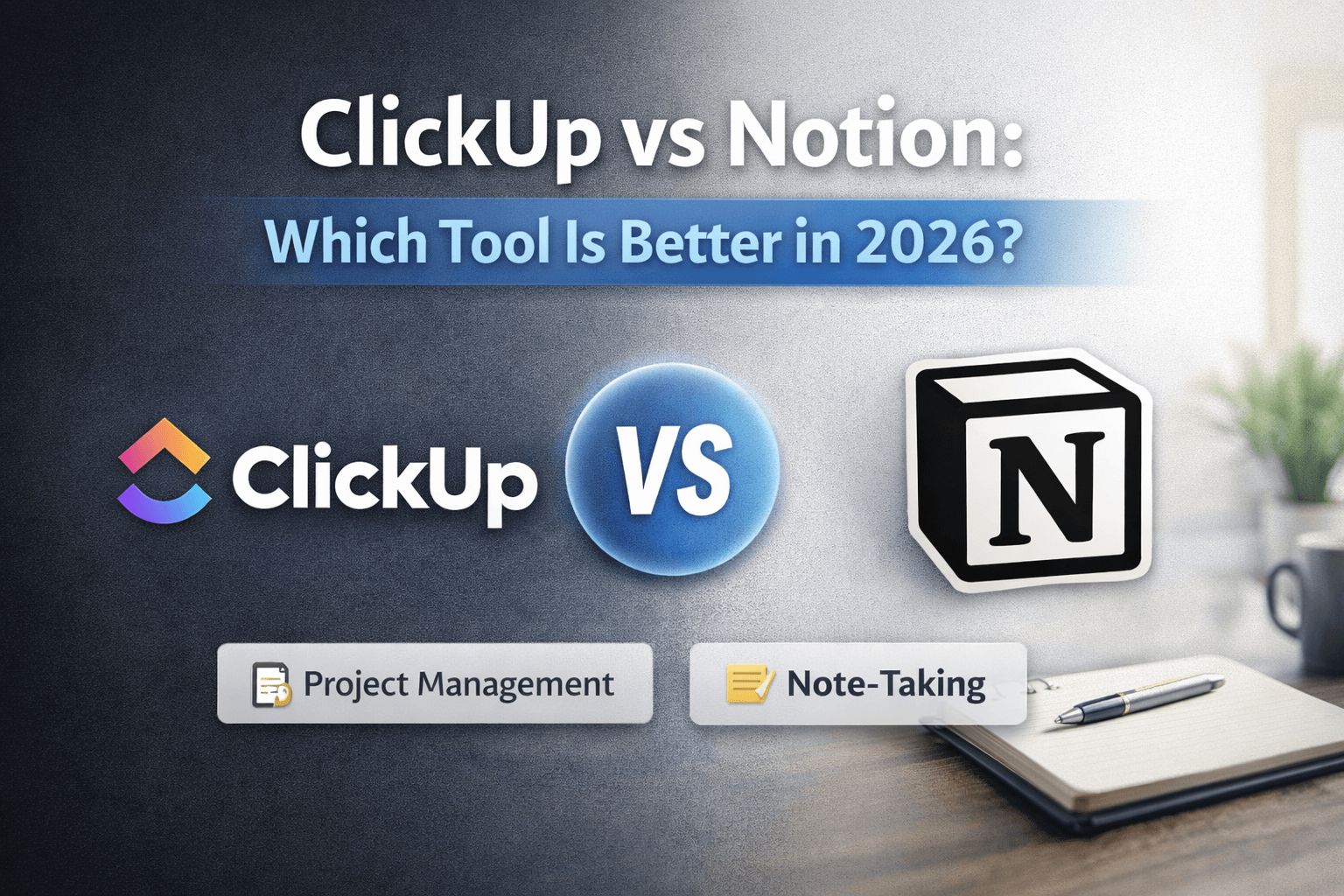
ClickUp and Notion are both popular productivity tools, but they solve different problems. ClickUp focuses on structured project management and task tracking, while Notion emphasizes flexibility, notes, and custom workflows. This comparison helps you choose based on how you actually work.
Quick Verdict
Choose ClickUp if you want structured project management and task tracking.
Choose Notion if you want flexibility, notes, and custom workflows.
What Is ClickUp?
ClickUp is a project management platform designed for teams to organize tasks, projects, and workflows. It combines task management, time tracking, documents, and collaboration tools in one place.
Key features:
- Task management - Create tasks, subtasks, and checklists with custom statuses
- Projects - Organize work into projects with timelines, dependencies, and goals
- Dashboards - Build custom views to track progress and metrics
- Teams - Collaboration features including comments, mentions, and shared workspaces
- Time tracking - Built-in time tracking and reporting
- Integrations - Connects with hundreds of tools including Slack, Google Calendar, and GitHub
ClickUp is built for teams that need structure and clear workflows. It's particularly strong for agencies, product teams, and organizations managing multiple projects simultaneously.
What Is Notion?
Notion is an all-in-one workspace that combines notes, documents, databases, and collaboration. It's highly customizable, allowing you to build custom systems for knowledge management, project tracking, or personal organization.
Key features:
- Notes and documents - Rich text editing with blocks, embeds, and formatting
- Databases - Create relational databases with views, filters, and formulas
- Custom systems - Build wikis, dashboards, and workflows tailored to your needs
- Docs + wikis - Organize knowledge bases and documentation
- Templates - Extensive library of templates for different use cases
- Collaboration - Real-time editing, comments, and permissions
Notion excels at flexibility. You can use it as a simple note-taking app or build complex systems with databases, automations, and custom workflows. It's popular with solo users, knowledge workers, and teams that need adaptable tools.
Who ClickUp Is Best For
ClickUp works best for:
- Teams - Organizations that need structured collaboration and clear workflows
- Project-heavy work - Managing multiple projects with deadlines, dependencies, and milestones
- Agencies - Client work, team coordination, and resource management
- People who want structure - Users who prefer defined processes over building custom systems
- Task-focused workflows - Work that revolves around completing specific tasks and tracking progress
If your work is primarily about managing tasks, hitting deadlines, and coordinating team efforts, ClickUp's structured approach will serve you better.
Who Notion Is Best For
Notion works best for:
- Solo users - Individuals building personal knowledge systems and workflows
- Knowledge management - Creating interconnected notes, wikis, and documentation
- Custom workflows - Teams that need to build their own systems and processes
- Writing + planning - Content creators, researchers, and planners who need flexible documentation
- Adaptable teams - Organizations that need tools that can evolve with changing requirements
If you value flexibility, enjoy building custom systems, and need a tool that adapts to your workflow rather than forcing you into predefined structures, Notion is the better choice.
Pros and Cons
ClickUp – Pros
- Strong task management - Best-in-class task organization with subtasks, dependencies, and custom fields
- Built for teams - Excellent collaboration features designed for structured teamwork
- Comprehensive project views - Multiple views (list, board, calendar, Gantt) for different perspectives
- Time tracking included - Built-in time tracking without needing separate tools
- Powerful automation - Workflow automation to reduce manual work
- Good mobile apps - Functional mobile experience for task management on the go
ClickUp – Cons
- Can feel overwhelming - Many features and options can be intimidating for new users
- Learning curve - Takes time to set up and learn effectively
- Performance issues - Can be slow with large workspaces or many tasks
- Less flexible - More structured than Notion, which limits customization
- Pricing complexity - Multiple pricing tiers with different feature sets
Notion – Pros
- Extreme flexibility - Build almost any system you can imagine
- Beautiful interface - Clean, modern design that's pleasant to use
- Powerful databases - Relational databases with formulas and automations
- Great for knowledge work - Excellent for notes, wikis, and documentation
- Free tier available - Generous free plan for personal use
- Strong community - Large ecosystem of templates and resources
Notion – Cons
- Requires setup - You need to build your own structure and workflows
- Slower for task management - Not optimized for fast task creation and tracking
- Performance with large databases - Can become slow with complex databases
- Limited offline access - Requires internet connection for most features
- Steeper learning curve - Flexibility comes with complexity
Feature Comparison
| Feature | ClickUp | Notion |
|---|---|---|
| Ease of use | Moderate - structured but feature-rich | Moderate - flexible but requires setup |
| Flexibility | Limited - predefined structures | High - build custom systems |
| Task management | Excellent - purpose-built for tasks | Good - can be configured but not optimized |
| Collaboration | Strong - team-focused features | Good - real-time editing and comments |
| Learning curve | Moderate - many features to learn | Steep - flexibility requires understanding |
| Pricing | Starts at $7/user/month | Starts at $8/user/month (free for personal) |
| Mobile apps | Good - functional task management | Good - full-featured mobile experience |
| Integrations | Extensive - 1000+ integrations | Moderate - growing integration ecosystem |
| Knowledge management | Basic - documents and wikis | Excellent - databases and interconnected notes |
| Project tracking | Excellent - Gantt charts, timelines | Good - can be built with databases |
Pricing Overview
ClickUp Pricing
- Free - Unlimited tasks, 100MB storage, basic features
- Unlimited - $7/user/month - Advanced features, unlimited storage, time tracking
- Business - $12/user/month - Advanced automations, goals, portfolios
- Enterprise - Custom pricing - SSO, advanced security, dedicated support
ClickUp's free plan is generous for small teams, but most teams will need the Unlimited plan for essential features like time tracking and advanced views.
Notion Pricing
- Free - Personal use, unlimited blocks, basic collaboration
- Plus - $8/user/month - Unlimited file uploads, version history, advanced permissions
- Business - $15/user/month - Advanced admin, analytics, SAML SSO
- Enterprise - Custom pricing - Advanced security, dedicated support, custom contracts
Notion's free plan is excellent for personal use, but teams typically need the Plus plan for collaboration features.
Cost comparison: For small teams, ClickUp's Unlimited plan ($7/user/month) is slightly cheaper than Notion's Plus plan ($8/user/month), but both are competitive. The choice should be based on features, not price.
Alternatives to ClickUp and Notion
If neither ClickUp nor Notion fits your needs, consider these alternatives:
For task management (ClickUp alternatives):
- Asana - Simpler task management with strong team features
- Monday.com - Visual project management with automations
- Linear - Fast, modern task management for product teams
For flexible workspaces (Notion alternatives):
- Notion Alternatives: 9 Tools to Use in 2026 (Compared) - Comprehensive guide to Notion alternatives
- Obsidian - Local-first knowledge management
- Craft - Beautiful documents and notes
For balanced approaches:
- Coda - Combines documents and databases like Notion, with better task management
- Airtable - Powerful databases with task tracking capabilities
See our Stay Organized category for more comparisons and recommendations. For AI assistance with writing and research, check our ChatGPT alternatives for work guide.
Final Recommendation
Choose ClickUp if: You manage projects with clear tasks, deadlines, and team coordination. You need structure, not flexibility. Your work revolves around completing tasks and tracking progress.
Choose Notion if: You build knowledge systems, need flexible documentation, or want to create custom workflows. You value adaptability over predefined structures. Your work involves writing, planning, and interconnected information.
Both tools are excellent at what they do. The right choice depends on whether you need structured task management (ClickUp) or flexible knowledge work (Notion). Many teams use both—ClickUp for project execution and Notion for documentation and planning.