Scam Prevention Tools for Freelancers & Founders (2026)
Practical scam prevention tools for freelancers and founders in 2026. Learn how to spot fake job offers, suspicious messages, and inbound scams across chat platforms.
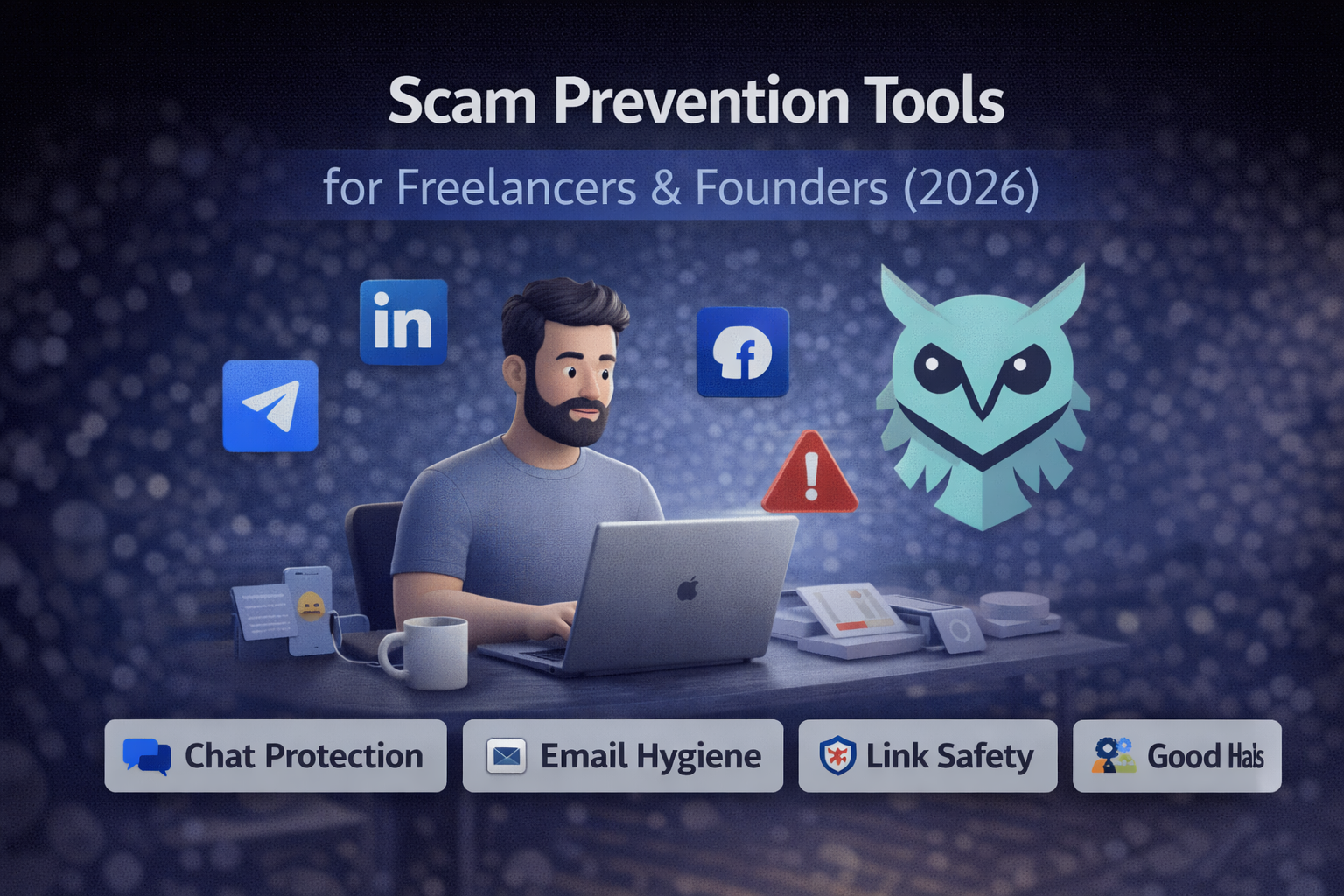
Scams targeting freelancers and founders have changed. They’re no longer obvious phishing emails or poorly written messages. In 2026, many scams look like legitimate job offers, partnerships, or client inquiries—especially on platforms like LinkedIn, Telegram, Facebook Messenger, and freelance marketplaces.
For people who rely on inbound messages for work, this creates a real operational risk. One reply can waste time, expose personal information, or lead to financial loss. Many of these scams now appear as fake job offers, partnership requests, or client inquiries sent through LinkedIn and other chat platforms.
This guide covers the most practical scam prevention tools for freelancers and founders in 2026—what they do, who they’re for, and when they’re worth using.
Quick Verdict
Best chat scam detection: DoubleCheck
Best email privacy: Gblock
Best link cleanup: Get Clean URL
Best web security layer: uBlock Origin Lite
Most important layer: Operational habits that slow down responses
Why Scam Prevention Matters More in 2026
Modern scams are harder to detect for a few reasons:
- AI-generated messages are more polished and contextual
- Scams often start friendly and low-pressure
- Many target professionals rather than consumers
- Conversations happen across multiple platforms, not just email
Unlike traditional phishing, these scams don’t always ask for money upfront. They aim to build trust first.
Effective scam prevention today is less about blocking everything and more about adding friction before replying.
What Makes a Good Scam Prevention Tool
The most useful tools in this space share a few traits:
- Works where conversations happen (not only email)
- Low false positives
- Minimal setup and configuration
- Privacy-first by default
- Adds awareness without interrupting normal work
If a tool constantly alerts or requires ongoing tuning, it’s likely to be ignored.
Are Fake Job Offers a Common Scam in 2026?
Yes. Fake job offers are one of the most common scam formats targeting freelancers and remote workers today. These messages often impersonate recruiters, clients, or hiring managers and are sent through platforms like LinkedIn, Telegram, and freelance marketplaces.
They typically avoid asking for money upfront and instead try to build trust before requesting documents, credentials, or payments.
Best Scam Prevention Tools for Freelancers & Founders
1. DoubleCheck
Best for: Detecting scam messages in chat platforms
Not ideal for: Email-only phishing protection
DoubleCheck is a lightweight Chrome extension designed to flag suspicious messages inside platforms like LinkedIn, Facebook Messenger, and Telegram Web.
It scans messages locally in your browser and highlights common scam patterns—such as urgency cues, fake job offers, or investment-style language—without storing conversations or sending data to external servers.
This makes it especially useful for detecting LinkedIn scam messages and fake job offers before replying.
Pros:
- Works directly inside chat platforms
- No account or setup required
- Privacy-first (local analysis)
- Quiet warnings without blocking messages
Cons:
- Not designed for email inboxes
- Doesn’t replace manual judgment
When to choose DoubleCheck: You regularly receive cold messages for work and want an extra layer of awareness before replying.
2. Gblock
Best for: Blocking Gmail tracking pixels, read receipts, and tracking links
Not ideal for: Real-time chat protection or non-Gmail inboxes
Many scams still originate via email, especially fake invoices, payment requests, or contract attachments. Gblock protects Gmail privacy by blocking tracking pixels, read receipts, and tracking links so senders can’t measure your behavior or use it to pressure responses.
It also anonymizes link clicks via a proxy and uses automated tracker detection to stay current.
When to use Gblock: Gmail is a primary communication channel for your work and you want to reduce tracking-based manipulation.
3. Get Clean URL
Best for: Removing tracking parameters before you click or share links
Not ideal for: Message analysis or blocking malicious scripts
Get Clean URL removes tracking parameters with one click, giving you a clean, easy-to-share link. While not scam-specific, it reduces exposure when clicking unfamiliar URLs or sharing links with clients.
Common benefits:
- Cleaner URLs
- Reduced tracking
- Lower risk from compromised sites
These tools work best as a background layer rather than a primary defense.
4. uBlock Origin Lite
Best for: Blocking ads, trackers, and malicious scripts by default
Not ideal for: People who want granular custom filters or advanced rules
uBlock Origin Lite is a lightweight content blocker that runs efficiently under Chrome’s MV3 framework. Its default ruleset includes uBlock Origin’s built-in lists plus EasyList, EasyPrivacy, and Peter Lowe’s ad/tracker list.
It reduces exposure to malicious scripts, tracking beacons, and scammy ad networks without requiring setup.
5. Operational Habits (Not Tools)
No tool replaces good judgment. The most effective protection still comes from basic habits:
- Don’t reply immediately to unsolicited offers
- Verify companies outside the conversation thread
- Avoid sharing documents or credentials early
- Separate work and personal browsing profiles
Tools reduce risk—but habits prevent mistakes.
If your day-to-day workflow is scattered, it’s harder to slow down. See our guide to best productivity tools for solo founders for tools that reduce context switching.
Common Scam Traps Freelancers Fall Into in 2026
- Assuming professionalism equals legitimacy – Well-written messages can still be scams
- Replying too quickly – Urgency favors attackers, not recipients
- Clicking links before context – Links should make sense before they’re opened
- Treating every platform as equally safe – Scams aren’t limited to email anymore
How to Build a Simple Scam Prevention Stack for Freelancers
For most freelancers and founders, a lightweight setup is enough:
- Chat protection: DoubleCheck
- Email hygiene: Tracking blockers + built-in phishing detection
- Browsing safety: URL cleaners or script blockers
- Process: Slow down and verify unfamiliar requests
Adding more layers only makes sense if your exposure increases.
Final Thoughts
There’s no single tool that eliminates scams entirely. The goal isn’t to block every message—it’s to reduce mistakes and add awareness where it matters.
Scam prevention in 2026 is part of running a professional operation, not paranoia. Explore more tools in our Protect Your Business category.
If you rely on inbound messages to earn a living, adding at least one layer of protection is no longer optional.
Explore more: Browse our Protect Your Business category for additional guides on tools that reduce operational risk for freelancers and small teams.